Nexus Journal Guide
Nexus Journal Privacy
Nexus Journal is designed as a local-first trading workspace. Journal records and most application state are stored in the browser profile selected by the user, while optional integrations cross that boundary only to perform the service the user requested.
Reviewed 2026-07-15 by Nexus Journal product team.
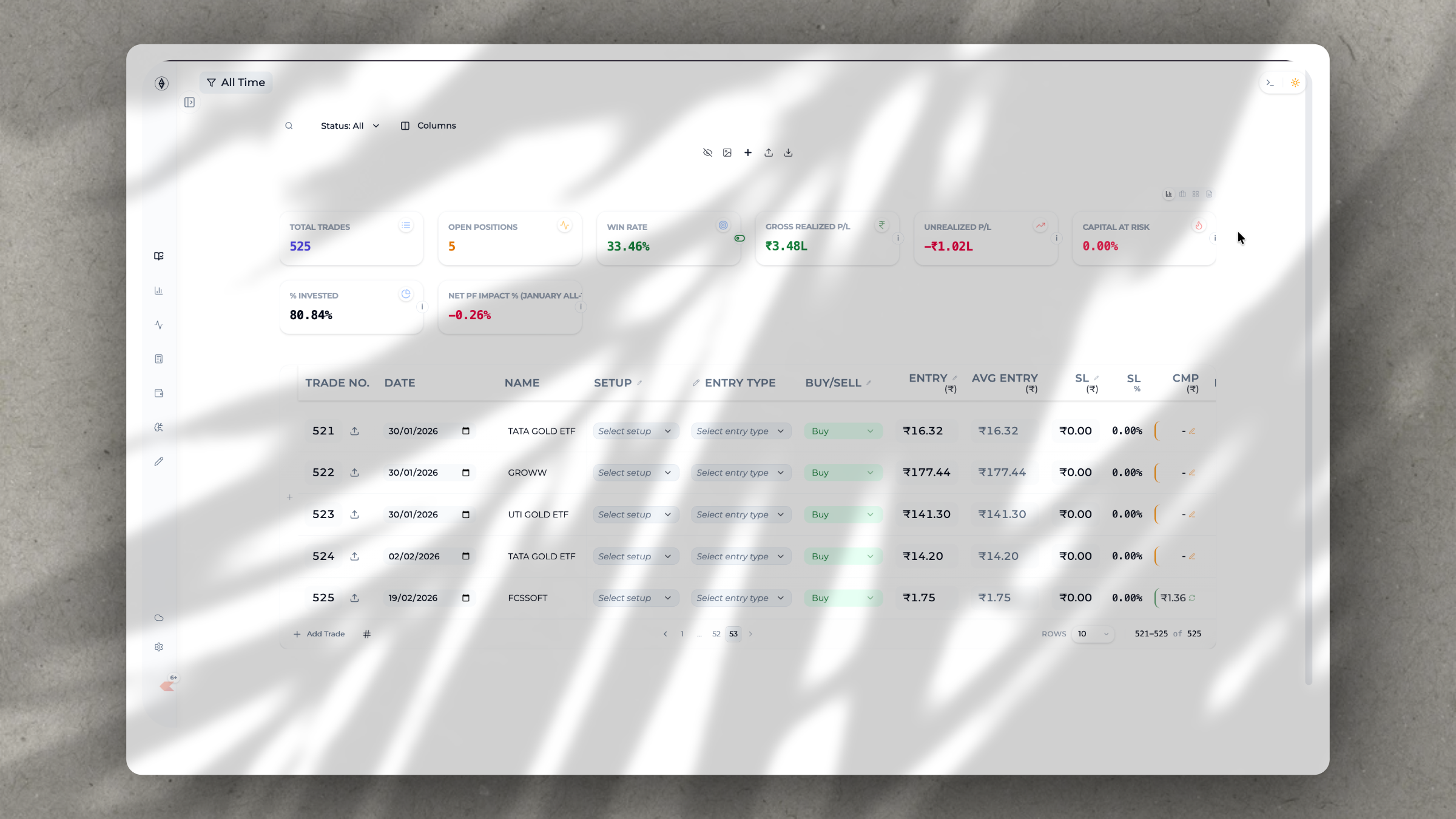
Local journal storage
Trade records, notes, settings, and journal metadata are primarily stored in the browser profile that the trader uses. Clearing browser data, switching profiles, private-browsing limitations, device loss, browser sync conflicts, or damaged local storage can remove or change locally stored data. Traders should therefore use the product's export or backup options as part of their own record-retention process.
A local-first design does not remove a trader's responsibility to secure their device. Use device locks, browser-profile separation, current software, and safe backup practices. Do not assume that a browser cache is a substitute for broker statements, tax records, or a recovery plan.
Optional services
Broker connections are used to retrieve the data required by the selected connection or import workflow. Payment, licensing, referral, and authentication services process the information required to provide those features. Google Drive backup is optional and is initiated by the user; it stores backup data in the connected Google Drive account according to the selected backup workflow.
Third-party brokers, payment processors, authentication providers, and storage providers operate under their own terms and privacy practices. Nexus Journal cannot guarantee their availability, retention rules, or changes to their APIs. Review their policies before connecting an account or uploading information.
Practical privacy choices
Only connect accounts and enable backups when the workflow is useful to you. Review the data returned by a broker after importing, keep backups private, and remove a connection from Nexus Journal when you no longer need it. If you share an exported journal or backup file, treat it as potentially containing sensitive trading and account information.
This page explains the product's intended data handling and is not a contract or legal advice. If you need a formal privacy response, use the contact page and include only the minimum information needed to describe your request.